This workflow shows how family law teams use a case timeline to organize pleadings, orders, agreements, and attorney communications so procedural history is instantly accessible and easy to review.

This material is for family law attorneys and paralegals who need fast, reliable access to a case’s procedural history. Procedural confusion is a common source of inefficiency, particularly when cases change hands, sit dormant, or generate frequent client inquiries. The workflow demonstrated here focuses on capturing procedural documents in a chronological timeline so the full history of the case can be understood at a glance. The emphasis is on organization, consistency, and team-wide accessibility.
Procedural history in family law cases is often scattered across email threads, file folders, and docket systems. This fragmentation makes it difficult to answer basic questions such as what was filed, when it was filed, and what changed over time.
Centralizing procedural documents in a timeline:
A timeline turns procedural history into a usable reference rather than a static archive.
An effective workflow begins at intake or when a case is inherited.
The initial step is to upload all existing procedural materials, including:
Each document is given a clear title, assigned its filing or entry date, and categorized appropriately. Accuracy is important, but the primary objective is completeness so the historical record is immediately usable.
As new pleadings, orders, or agreements are received, they are added to the timeline as part of routine case management. This ensures the timeline remains current and eliminates the need for later reconstruction.
A key practice is highlighting or calling out important provisions within procedural documents, such as:
In some instances, critical language is surfaced directly on the timeline itself so its significance is visible without opening the document.
Amended pleadings and modified orders often require close comparison to prior versions. Highlighting what changed allows the legal team to immediately understand the procedural evolution of the case.
This approach:
The timeline becomes not just a record of filings, but a record of procedural movement.
When preparing for hearings or trial, the ability to isolate procedural history is critical.
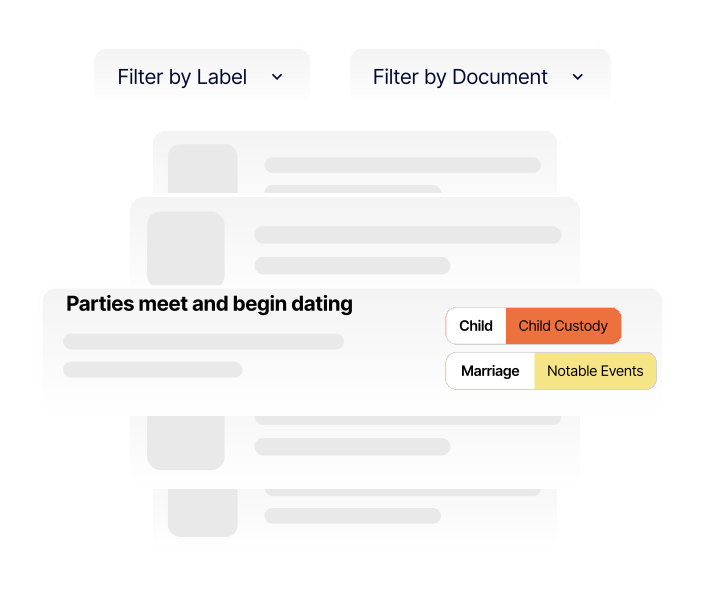
By filtering the timeline to show only pleadings, orders, or other procedural events, attorneys can:
This filtered view is particularly useful when evaluating how the case arrived at its current posture or when explaining procedural history to the court.
A shared procedural timeline benefits the entire legal team.
Because everyone references the same chronology, responses are consistent and informed.
Get started today for free and start building. No account needed! See why law firms are raving about our tool.

Create secure, chronological case timelines with searchable events, labeled evidence, highlighted documents, and courtroom-ready presentations
