This workflow shows how family law teams use a shared case timeline to stay aligned on facts, procedure, and evidence, enabling faster handoffs, clearer communication, and better in-the-moment decision-making.

This material is for family law attorneys and paralegals working individually or in multi-lawyer teams who need consistent situational awareness across a case. Collaboration breaks down when facts, procedural history, and documents live in separate inboxes, notes, or file systems. The workflow demonstrated here shows how a shared case timeline becomes the central reference point for the entire team. The focus is on practical collaboration: permissions, daily use habits, and real-world scenarios where shared chronology materially improves performance.
Effective collaboration requires more than shared access to documents. Team members must understand what has happened in the case—factually and procedurally—and be able to retrieve that information instantly.
A shared case timeline addresses this by:
When everyone works from the same chronology, collaboration becomes faster and more reliable.
Team collaboration begins with inviting participants to the timeline and assigning appropriate permissions. Each collaborator’s role determines what they can see and do.
Typical permission levels include:
The goal is not uniform access, but intentional access aligned with each participant’s role.
Permission decisions should be strategic rather than automatic.
Common approaches include:
A key principle is controlling visibility of sensitive internal notes while still enabling collaboration where appropriate.
One of the most powerful collaboration uses is maintaining a complete procedural history.
This includes:
By adding these materials early and consistently, any team member can step into the case and understand its posture within minutes rather than hours.
Procedural documents often contain provisions that require special attention. Highlighting and calling out those provisions ensures the entire team understands what matters most.
This is especially useful for:
Surfacing this information directly in the chronology reduces the risk of missed details.
Meetings and phone calls often drive case strategy but are poorly documented across teams. Treating them as timeline events improves continuity.
A common workflow includes:
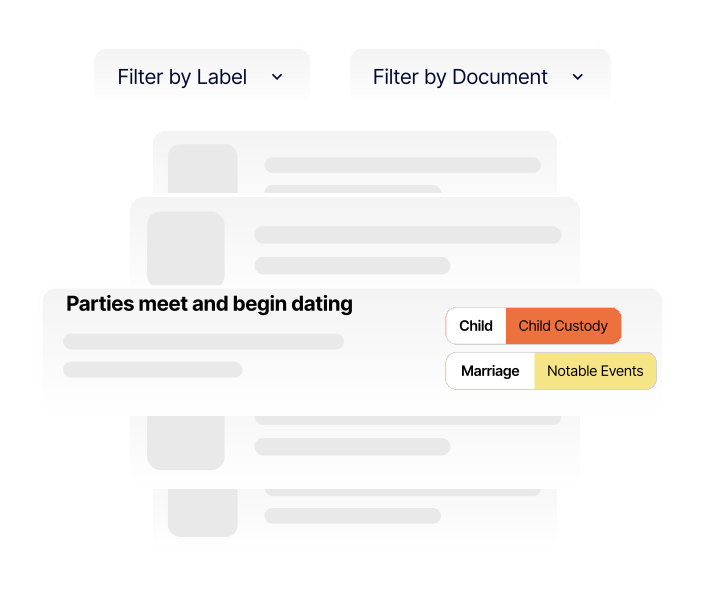
Labeling these entries consistently allows team members to later filter and review all meeting notes across the case.
Collaboration only works if the timeline is used continuously. Treating it as the default workspace—rather than a special-purpose tool—ensures it remains current.
Using the timeline for:
creates a living record that benefits the entire team.
Client access is optional and should be handled on a case-by-case basis.
Possible approaches include:
Internal notes and strategy discussions can be kept separate through controlled visibility.
Timelines are particularly effective when working with guardians ad litem, custody evaluators, or similar professionals who need to understand the case efficiently.
A curated timeline allows third parties to:
Filtering and exporting subsets of the timeline further tailors the information to their role.
Covering a hearing
A lawyer stepping in for another attorney can filter the timeline by issue or procedure and immediately understand the dispute, supporting documents, and response strategy.
Handling client calls
Whether the call is taken by an attorney or a paralegal, the timeline provides consistent answers about status, orders, and next steps.
Discovery review
When one team member identifies a critical document, adding it to the timeline ensures the entire team is alerted and aligned without relying on separate communications.
Get started today for free and start building. No account needed! See why law firms are raving about our tool.

Create secure, chronological case timelines with searchable events, labeled evidence, highlighted documents, and courtroom-ready presentations
